10 Essential Tips for a Perfect Home Office Setup

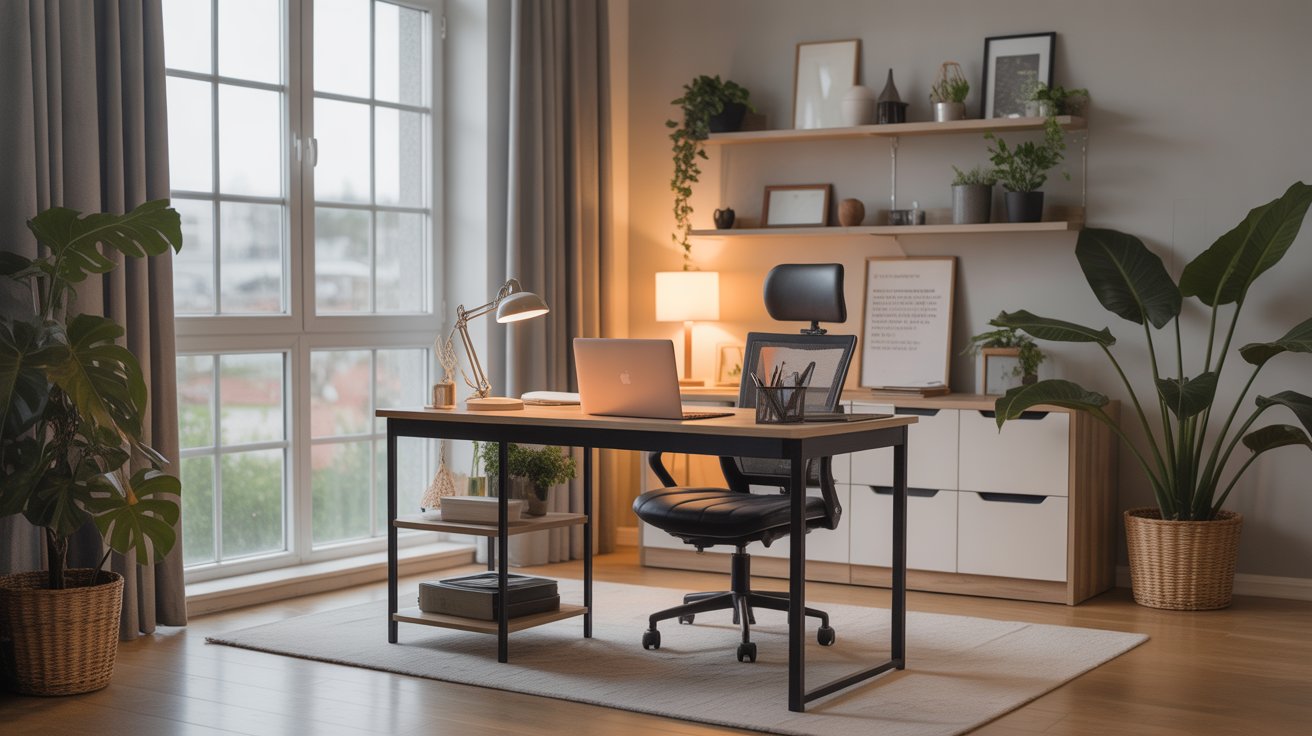
Working from home has become a normal part of modern life, and having the right environment makes all the difference. A home office setup is not just about having a desk and a chair; it’s about creating a space that maximizes productivity, keeps you comfortable, and inspires creativity. Whether you’re a remote worker, freelancer, or entrepreneur, the right office setup at home can improve your efficiency and even your overall well-being.
In this blog, we’ll explore essential tips for a perfect home office setup, from choosing ergonomic furniture to optimizing lighting and minimizing distractions.

1. Choose the Right Location for Your Home Office Setup
The foundation of a successful home office setup starts with location. If possible, dedicate a separate room for your office to reduce distractions. A spare bedroom, a quiet corner in your living room, or even an attic can work as long as the space is away from household noise.
If you don’t have a separate room, try to use room dividers or furniture placement to create a designated workspace. The key is to create boundaries between work and home life.

2. Invest in Ergonomic Furniture
Comfort is critical when setting up a workspace. An ergonomic chair and desk are essential investments for your health and productivity. An ergonomic chair supports your back, neck, and shoulders, while a desk with adjustable height allows you to maintain proper posture.
Long hours of sitting in the wrong chair can cause back pain, fatigue, and loss of focus. Think of ergonomic furniture as a long-term investment in both your health and work performance.

3. Optimize Your Lighting
Lighting plays a big role in your mood and productivity. Poor lighting can cause eye strain and headaches, while good lighting keeps you energized and focused. Ideally, your home office setup should include natural light. Position your desk near a window, but avoid placing your screen directly in front of it to prevent glare.
If natural light is limited, use a combination of ambient lighting (like ceiling lamps) and task lighting (such as desk lamps). Choose LED bulbs with a warm or natural daylight tone to reduce strain on your eyes.

4. Keep Your Desk Organized
Clutter can be one of the biggest productivity killers. An organized desk helps you stay focused and reduces stress. Use storage solutions like filing cabinets, shelves, and drawer organizers to keep everything in place.
Make it a habit to clear your desk at the end of each workday. Having a tidy workspace ensures you start fresh every morning. A minimalist desk setup often leads to better concentration.

5. Prioritize Technology Essentials
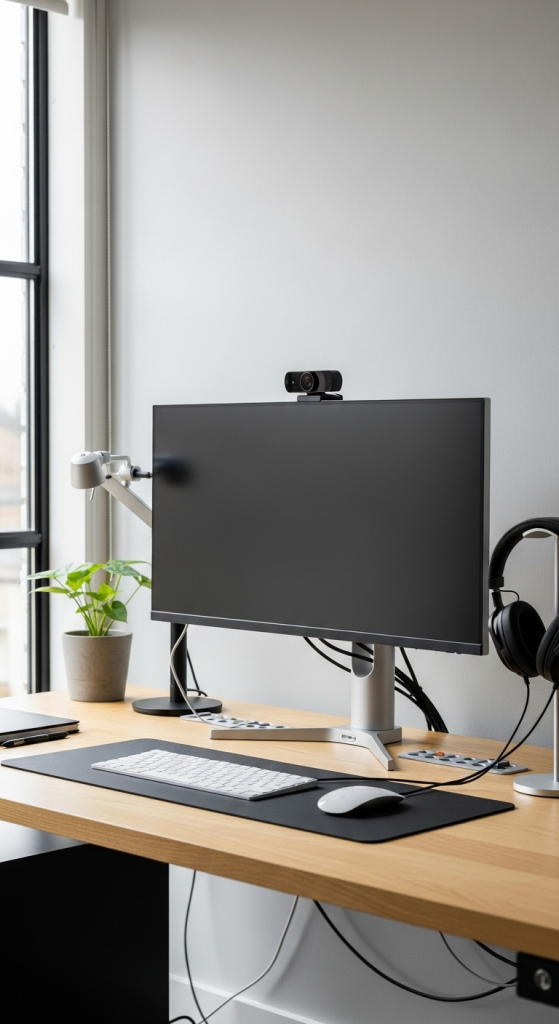
No home office setup is complete without reliable technology. A fast computer, stable internet connection, and noise-canceling headphones are must-haves for remote work. Depending on your profession, you might also need additional equipment such as an external monitor, a wireless keyboard, or a quality webcam.
Consider investing in cable organizers to manage wires and keep your workspace neat. Smooth technology setup means fewer interruptions and a better workflow.
6. Personalize Your Workspace
Your workspace should reflect your personality and motivate you throughout the day. Adding a few personal touches can make your home office feel more inviting. Consider adding artwork, inspirational quotes, plants, or family photos to make the environment comfortable.
Be careful not to overcrowd the space with too many decorations. The goal is to make your home office setup functional, inspiring, and pleasant without creating distractions.

7. Pay Attention to Noise Control
Noise is one of the biggest challenges when working from home, especially if you live in a busy household or noisy neighborhood. To minimize distractions, use noise-canceling headphones or soundproof your workspace with rugs, curtains, or acoustic panels.
If silence is your preference, let your family members know your work hours so they can respect your quiet time. Setting boundaries is key to maintaining productivity.

8. Create a Comfortable Environment
The perfect home office setup is not only about efficiency but also comfort. Temperature, air quality, and seating comfort all matter. Make sure your workspace is well-ventilated and consider adding an air purifier if needed.
Keep a water bottle nearby to stay hydrated, and don’t forget to adjust the room temperature so you can work without discomfort. The more comfortable your environment, the easier it is to stay focused for long periods.

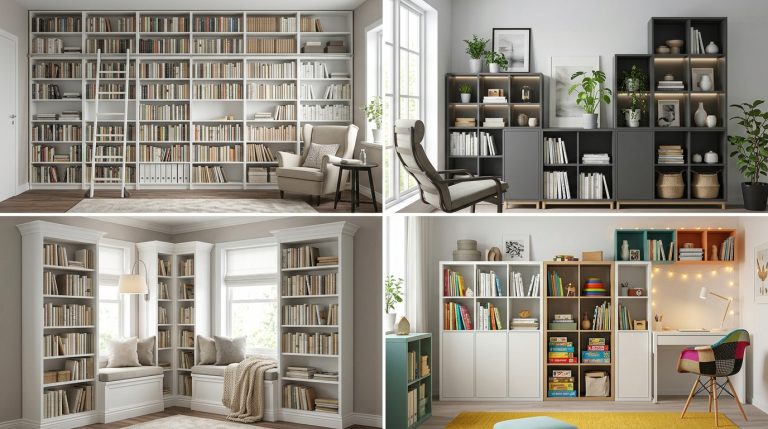
9. Use Smart Storage Solutions
Storage is often overlooked but it plays a vital role in keeping your office functional. Use shelves, wall-mounted racks, and under-desk storage to maximize your space. This is especially useful if you have a small home office setup.
Digital storage is just as important. Organize your files in cloud systems or external hard drives to reduce paper clutter. Going paperless not only saves space but also helps you stay more organized.

10. Maintain a Work-Life Balance
Perhaps the most important tip for a successful home office setup is maintaining balance. When your work and living space overlap, it’s easy to lose track of boundaries. To avoid burnout, set clear working hours and stick to them.
Shut down your computer at the end of the day and step away from your workspace. If possible, close the door to your home office so your brain associates that space only with work. Balance is key to long-term productivity and mental well-being.

Final Thoughts
A well-planned home office setup can transform the way you work. From ergonomic furniture and proper lighting to organization and personal touches, every detail matters. By following these ten essential tips, you can create a workspace that enhances productivity, reduces stress, and supports your overall health.
Remember, the perfect home office doesn’t have to be expensive or overly complicated. What matters most is building a space that works for you, motivates you, and allows you to perform at your best.