17 Home Office Desk Setup Ideas for a Functional Workspace

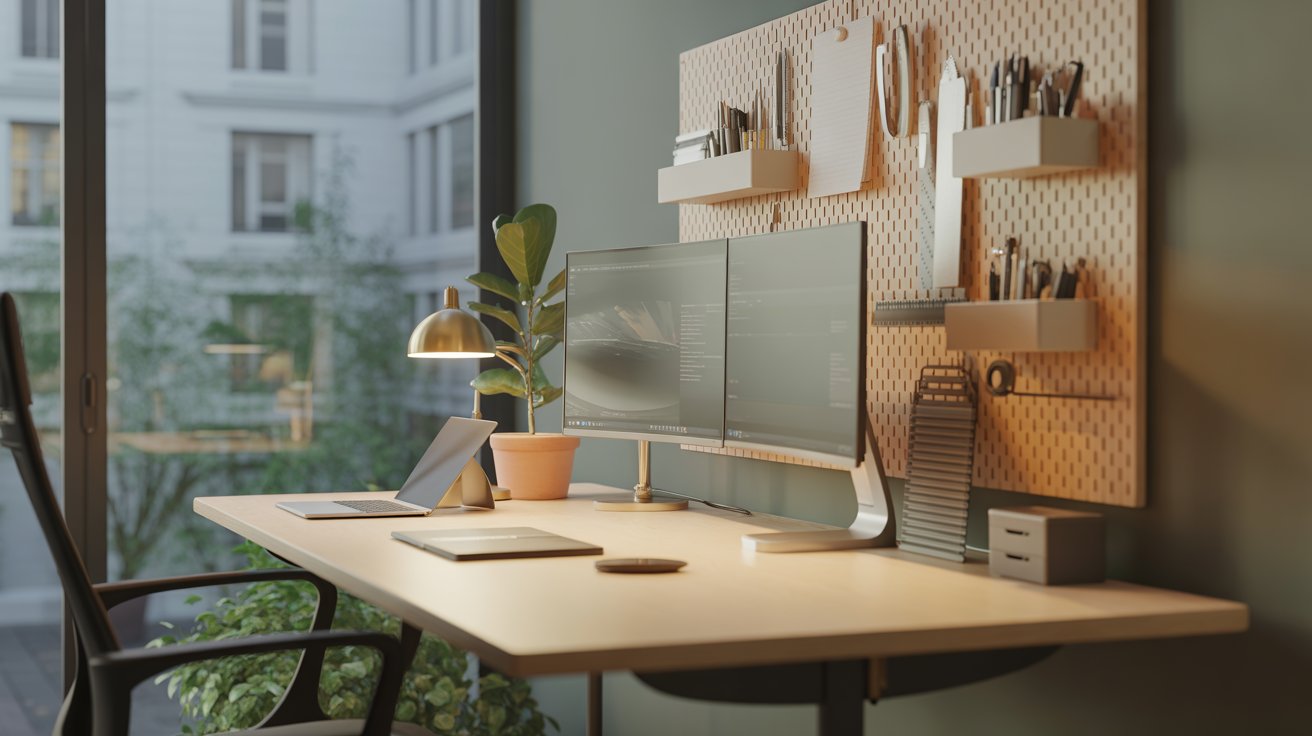
Whether you’re a remote worker, freelancer, student, or entrepreneur, having an organized and efficient desk setup is crucial for productivity and comfort. Your workspace should inspire creativity, promote focus, and support long working hours without causing discomfort. That’s why a functional home office setup isn’t just a luxury, it’s a necessity.
If you’re looking to revamp your current workspace or create one from scratch, here are 17 home office desk setup ideas that strike the perfect balance between style and functionality.
1. Start With the Right Desk Size
Choose a desk that fits the scale of your room and supports your work needs. If you use dual monitors or require lots of space to spread out paperwork, go for a larger desktop. For small spaces, consider a wall-mounted or corner desk to maximize square footage.

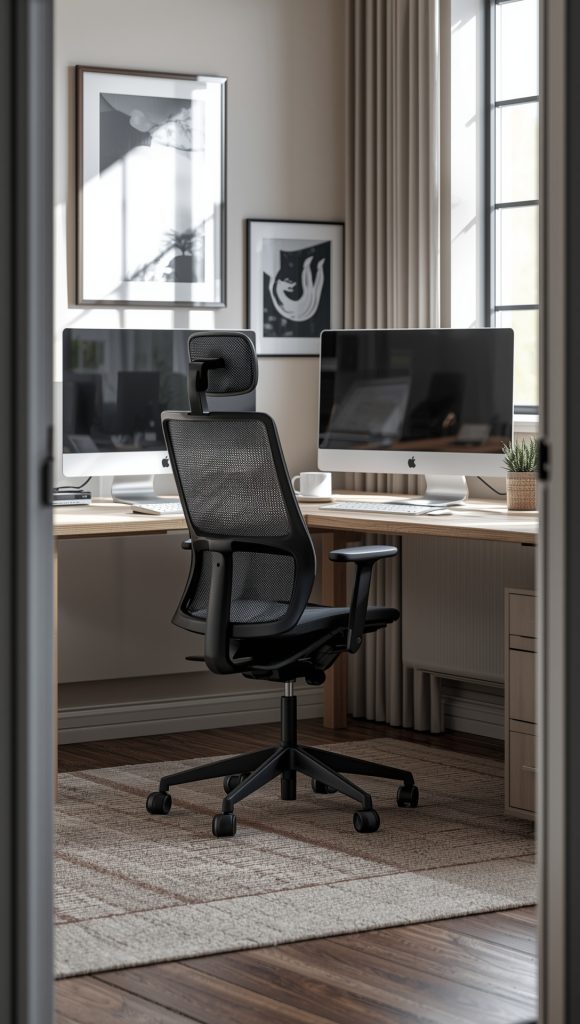
2. Ergonomic Desk and Chair Combo
An ergonomic desk setup is essential for long work hours. Pair a desk at the correct height with an adjustable chair that supports your posture. Look for features like lumbar support, seat cushioning, and armrests.
A functional home office setup starts with comfort, don’t overlook it!
3. Minimalist Desk Setup for Clear Focus
Too much clutter can lead to distractions. A minimalist desk setup includes only the essentials: laptop, mouse, lamp, and maybe a small plant. Stick to neutral tones and clean lines to maintain a calming environment.

4. Use a Monitor Stand or Riser
Elevating your monitor to eye level helps prevent neck and back strain. You can use a dedicated monitor stand or even a stack of books for a budget-friendly option. Bonus: most risers offer storage space underneath for small office supplies.
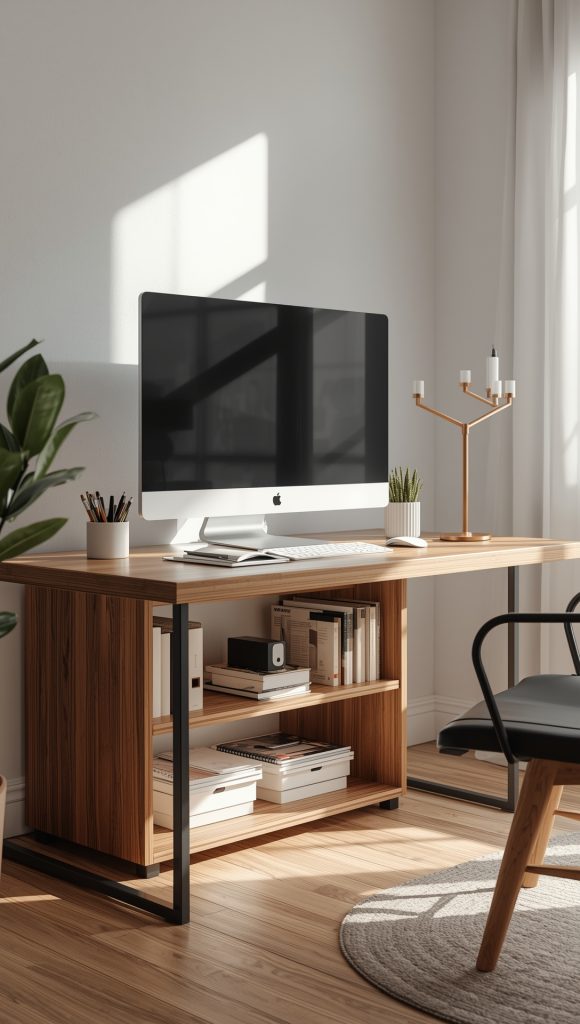
5. Add a Desk Lamp for Proper Lighting
Good lighting reduces eye strain and enhances productivity. Choose a desk lamp with adjustable brightness and a flexible neck. Place it on the opposite side of your dominant hand to minimize shadows while writing or typing.

6. Dual Monitor Desk Setup for Multitasking
If your work involves multitasking, coding, design, or data analysis, a dual monitor setup can boost efficiency. Use a monitor arm to save space or place both screens on a wide desk for seamless workflow.
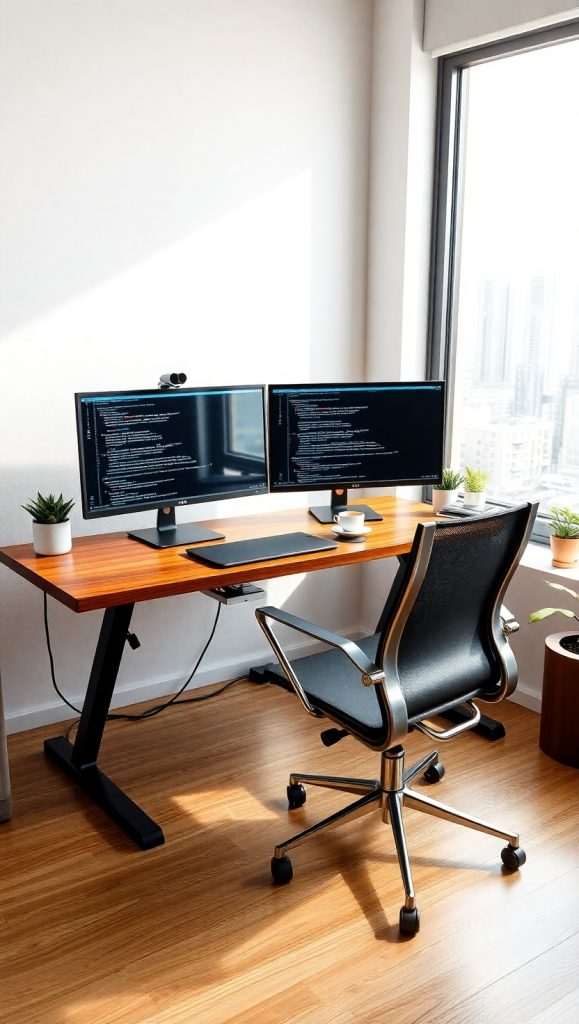
7. Cable Management is a Must
Cables can quickly turn your desk into a tangled mess. Use cable clips, trays, or a cable box to organize wires for your laptop, monitor, and accessories. A clean workspace contributes to a functional home office setup and minimizes distractions.

8. Standing Desk or Convertible Desk
Standing desks or sit-stand converters allow you to alternate between sitting and standing throughout the day, which can help reduce fatigue and improve posture. Many models come with adjustable height settings and motorized controls.

9. Compact Desk Setup for Small Spaces
If space is tight, go vertical. Use floating shelves above your desk for storage, or try a desk with built-in drawers. A folding desk or wall-mounted desk can be ideal for apartments or bedrooms used as multipurpose rooms.
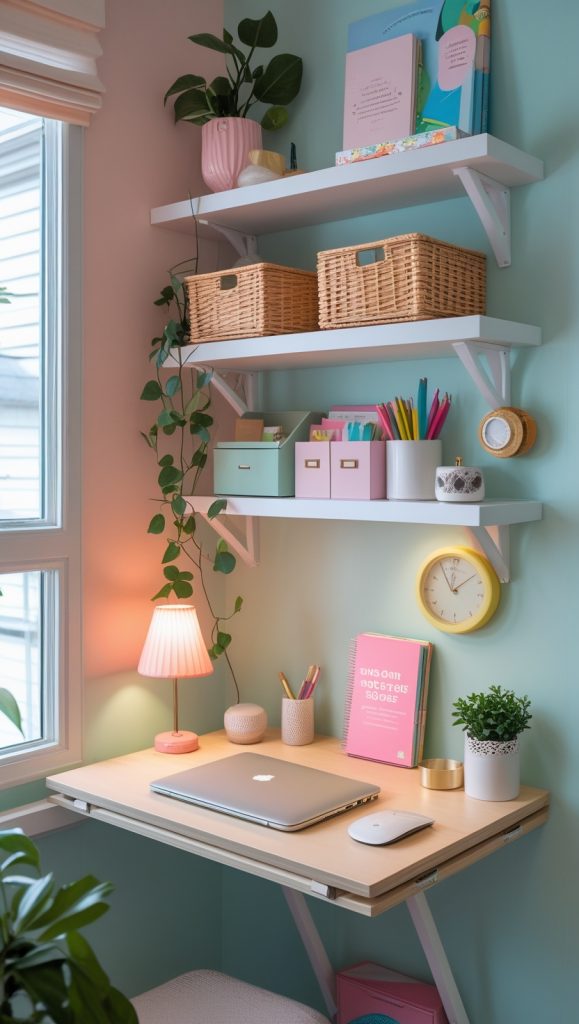
10. Incorporate Plants for a Boost in Mood
Adding greenery to your desk setup not only enhances aesthetics but also improves air quality and mood. Opt for low-maintenance indoor plants like pothos, snake plants, or succulents that thrive in home office environments.

11. Use a Pegboard or Wall Organizer
Free up your desktop by utilizing the wall space above your desk. Pegboards, corkboards, and magnetic panels allow you to hang supplies, calendars, headphones, and tools in an organized and easily accessible way.

12. Include Personal Touches
A workspace should reflect your personality. Add framed photos, inspirational quotes, or artwork to keep you motivated throughout the day. Just don’t overdo it—too much personalization can crowd your space.

13. Add a Rolling Drawer Unit or Storage Cart
Rolling drawer units are great for keeping essential items like documents, chargers, notebooks, and office supplies close at hand. They’re mobile and fit easily under most desks, keeping your surface clutter-free.

14. Set Up a Dedicated Charging Station
Designate a specific corner of your desk or a nearby shelf for charging your phone, tablet, wireless earbuds, or smart devices. Use a multi-port USB hub or charging dock to keep everything powered without creating cord chaos.

15. Create Zones in Your Workspace
Organize your desk into zones based on function: one for your computer, another for writing, and one for office supplies. This layout creates a sense of flow and efficiency in your daily tasks.
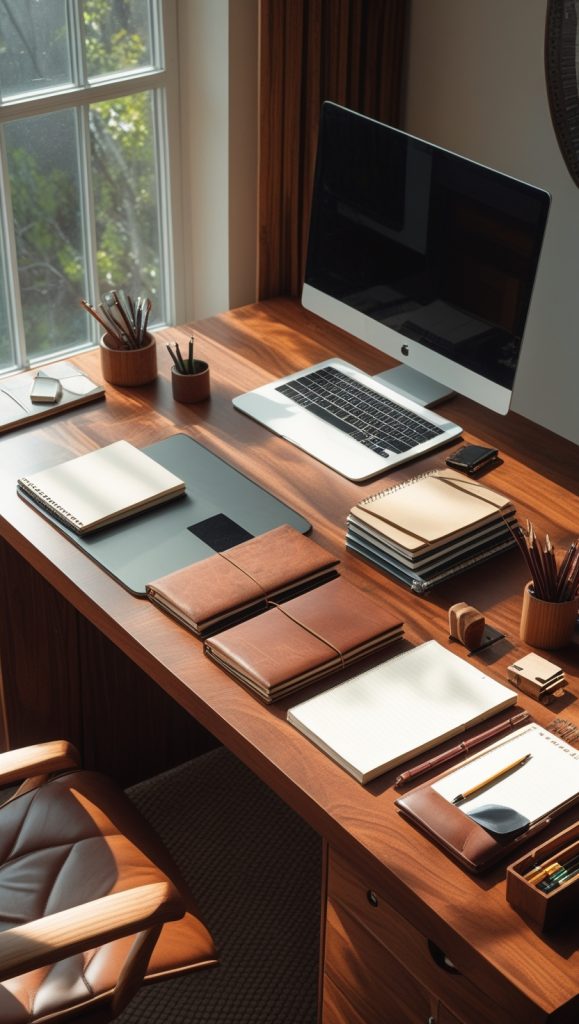
16. Try a DIY Home Office Desk Setup
Love customizing things? Consider a DIY desk made from filing cabinets and a wood plank, or refurbish an old table with paint and new hardware. DIY solutions often cost less and allow for personalization.

17. Noise Management for Better Focus
Your desk setup isn’t complete without considering sound. If you’re in a noisy home, add soundproofing panels, white noise machines, or noise-canceling headphones to create a more peaceful workspace.

Extra Tips for Creating a Productive Desk Setup:
- Use a footrest for added comfort during long sitting sessions.
- Keep your desk near a natural light source to improve focus and reduce fatigue.
- Declutter weekly to maintain a clean, efficient workspace.
- Keep only daily-use items on your desktop; everything else should be stored.
Final Thoughts
Creating the perfect desk setup is all about tailoring it to your work style, available space, and personal preferences. Whether you’re working from a spacious home office or carving out a corner in your bedroom, these home office desk setup ideas will help you design a workspace that feels both functional and inspiring. A functional home office setup isn’t just about aesthetics, it’s about optimizing every inch for productivity, comfort, and efficiency. With the right planning and a few smart upgrades, you can turn even the smallest desk into your ultimate productivity zone.